Ghost Mannequin Photography: The Complete Guide to the Invisible Mannequin Technique (2026)
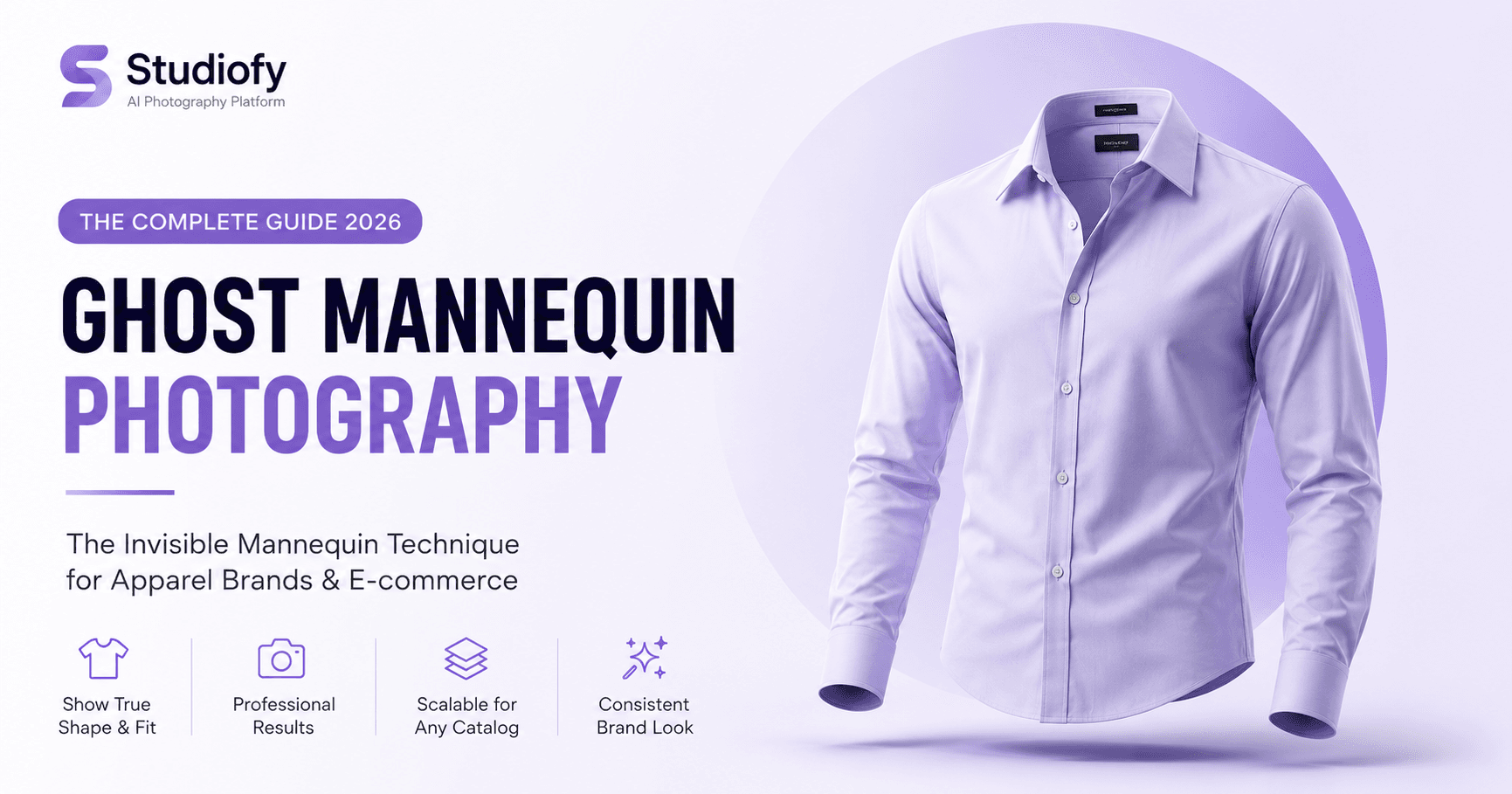
Ghost mannequin photography is simultaneously one of the most widely used and least understood techniques in fashion ecommerce. It is the standard format for B2B garment catalogs and export photography globally — used by manufacturers in Tiruppur, garment exporters in Dhaka, knitwear producers in Leicester, and sportswear manufacturers in Guangzhou alike. And yet, for most consumer ecommerce sellers, it is an unnecessarily complex workaround for the real objective: showing buyers what a garment looks like when worn.
This guide covers ghost mannequin photography comprehensively — how it works, the technical setup, the editing process, cost considerations, and the alternative AI approach that now achieves the same objective at a fraction of the cost and without the post-production complexity.
FEATURED SNIPPET
What is the ghost mannequin technique in photography?
Ghost mannequin photography (also called the invisible mannequin technique) is a method where clothing is photographed on a mannequin and the mannequin is digitally edited out in post-production, leaving the garment in its three-dimensional, worn shape — without any mannequin or model visible. The technique typically requires a composite of two images: a front garment shot and an interior collar shot. It is widely used in export catalog photography and apparel manufacturing for showing garment shape consistently and affordably. On consumer marketplaces, model photography consistently outconverts ghost mannequin images. AI photography tools like Studiofy now allow sellers to generate on-model images from product photos — including existing ghost mannequin shots — as a consumer-ready alternative.
How Ghost Mannequin Photography Works: The Technical Process
The Two-Shot Composite Method
Ghost mannequin photography requires at minimum two photographs of each garment: the primary front shot on the mannequin showing the garment from the front, and the interior shot — the collar, neckline, and interior shoulders photographed with the mannequin's head removed. The interior shot is composited into the neck opening of the front shot to create the hollow-interior illusion that gives the technique its name.
The Editing Process Step by Step
Isolate the Garment
Create a precise clipping path around the garment and collar area to isolate it from the background. This is the foundation of every ghost mannequin composite.
Mask the Mannequin
Working within the isolated garment layer, mask out every visible part of the mannequin — the neck, shoulders, and any limb segments visible through arm openings or below the hem.
Composite the Interior Shot
Place the interior collar photograph as a layer beneath the front garment layer. Scale and position it to align with the neck opening, matching the perspective of the front shot.
Match Colour and Lighting
Match the colour balance and lighting of the interior composite image to the front image. Interior shots often have different shadow/highlight ratios due to the removed head changing the light conditions.
Clean and Export
Clean the edges of the neck opening for a seamless composite. Check for any mannequin remnants. Adjust sleeve and hem openings to show interior fabric naturally. Colour-correct the complete image.
Equipment Required for Ghost Mannequin Photography
Mannequin — A removable-neck or magnetic mannequin is the professional standard — it allows the interior neck shot without a complex composite. Adjustable size is valuable for shooting multiple garment sizes. Budget: ₹3,000 to ₹25,000+ depending on quality and features.
Garment steamer — Essential — ghost mannequin photography on an unsteamed garment produces a wrinkled composite that defeats the purpose of the technique. A quality garment steamer is a non-negotiable equipment purchase.
Lighting — Large diffused light at 45 degrees to the garment. Two-light setup (main + fill/back) is professional standard for ghost mannequin photography.
Camera or phone — A DSLR or mirrorless camera produces the highest quality; most modern smartphones produce acceptable results for smaller catalog sizes.
Tripod — Critical for consistency between the front and interior shots of the same garment — the camera position must be identical for the composite to work.
Photoshop or equivalent — Adobe Photoshop is the industry standard for ghost mannequin editing. GIMP is a free alternative. Budget: Photoshop Creative Cloud at approximately ₹1,600/month.
Ghost Mannequin vs. Model Photography vs. Flat Lay: The Comparison
Category-Specific Ghost Mannequin Guidance
Structured Garments: Jackets, Blazers, Suits
Structured outerwear is ghost mannequin's strongest category — jackets, blazers, and suits hold their own shape sufficiently that the ghost mannequin illusion is highly convincing. Lapels, collar stand, shoulder structure, and chest fit all communicate clearly on structured garments. Ghost mannequin is genuinely appropriate as a primary image format for formal suiting.
Knitwear and Casual Garments
Knitwear on a ghost mannequin can look flat and unconvincing — knits have drape and softness that a rigid mannequin structure misrepresents. The garment appears stiff when the buying signal for knitwear is warmth and softness. Model photography or AI model photography is significantly more effective for knitwear than ghost mannequin.
Ethnic Wear Limitations
Ghost mannequin photography has fundamental limitations for draped ethnic garments. A saree requires draping to communicate its core value — the pallu, the fall, the border positioning. A ghost mannequin saree image can show the blouse piece clearly but communicates almost nothing about the saree's most important qualities. AI model photography from Studiofy generates correctly draped on-model saree images from a product photo — producing the imagery ghost mannequin cannot for this category.
Ghost Mannequin Photography in 2026: The AI Alternative
Ghost mannequin photography emerged as the industry standard for export and B2B catalog photography because it was the most affordable method of producing three-dimensional garment imagery at scale. It was the best available solution within the constraints of traditional photography. Those constraints no longer apply in the same way.
AI photography — specifically tools like Studiofy — generates photorealistic on-model images from existing product photographs, including ghost mannequin shots, flat lays, and hanger images. For sellers who have already invested in ghost mannequin photography for their export catalog, the same images can serve as inputs for Studiofy to generate consumer-marketplace-ready on-model images. The ghost mannequin images continue to serve their B2B catalog purpose; the AI-generated model images serve the consumer marketplace purpose — both from the same source photographs.