How to Sell on Myntra + Myntra Product Photography Guidelines (2026 Seller Guide)
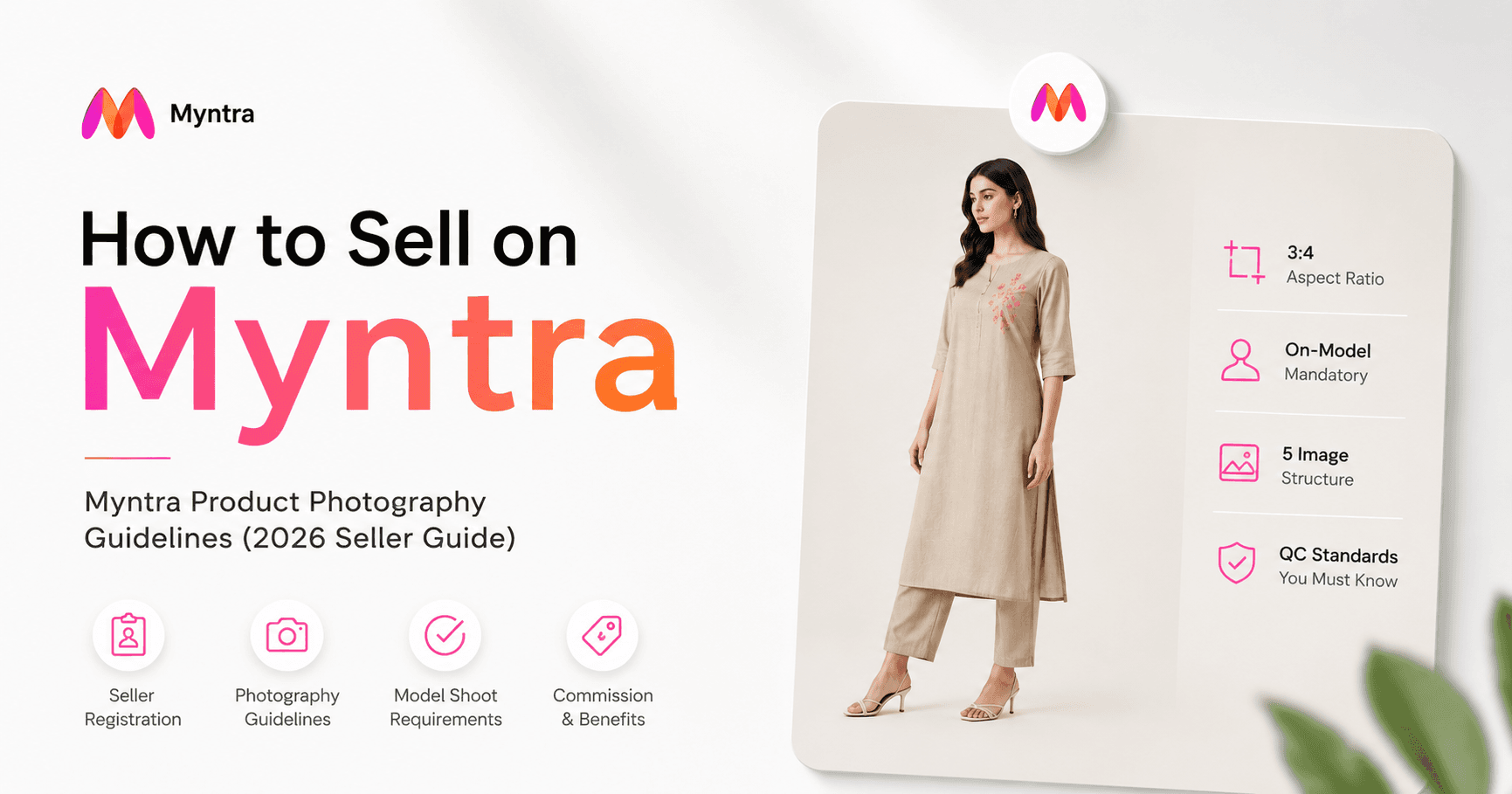
If Nykaa is India's most curated beauty-and-fashion marketplace, Myntra is its most demanding fashion one. It is the country's leading dedicated fashion platform, serving tens of millions of monthly active users, processing lakhs of orders a day, and commanding a substantial share of India's online fashion market. For an apparel brand, a garment manufacturer, or a D2C label, it is close to unavoidable.
It is also, by a clear margin, the strictest marketplace in India when it comes to product photography — and that is the single thing most new Myntra sellers underestimate. Where Amazon asks for a clean white background and Meesho will accept a decent flat lay, Myntra effectively mandates on-model imagery for most apparel categories, in a specific 3:4 portrait aspect ratio, with a defined slot-by-slot image order and a quality-control team that rejects listings for reasons that look trivial on paper.
FEATURED SNIPPET
What are Myntra's product photography guidelines?
Myntra requires apparel images in a 3:4 portrait aspect ratio, commonly cited at a minimum of 1500 x 2000 pixels, in JPEG or PNG format, with a minimum of around five images per SKU. For most apparel categories Myntra requires on-model imagery — a real, gender-matched, full-length model. Headless or cropped-above-the-shoulder primary shots and visible mannequins are generally not accepted, and simple flat lays are frequently rejected for clothing. The standard five-slot structure is front on-model, back on-model, side or three-quarter, fabric detail, and a styled look shot. Because Myntra is model-mandatory, AI model photography tools like Studiofy have become a practical route to Myntra-standard imagery without a per-SKU photoshoot.
Studiofy At a Glance
Why Myntra Matters for Fashion Sellers in 2026
Myntra, owned by the Flipkart Group, is India's leading dedicated fashion and lifestyle marketplace. The scale figures reported across industry sources are substantial: on the order of 60 million-plus monthly active users, roughly five lakh orders processed daily, and a commanding share of India's online fashion market. Average order values are commonly cited around the Rs 700 mark.
The audience arrives with fashion intent — people open Myntra specifically to buy clothes, footwear, and accessories, and that intent converts unusually well for a well-catalogued brand
Discovery is visual and curation-driven — Myntra leans on visual storytelling and style-based recommendation. Brands with strong, complete, on-model imagery get disproportionate visibility
Being on Myntra confers credibility — Myntra vets brands and enforces a high catalogue bar. Clearing it signals quality to buyers — and to your other channels
The catch is that all three of these advantages are gated behind the same thing: your images.
How to Sell on Myntra: Registration and Eligibility
Myntra runs a selective, brand-first onboarding process. It is not an open marketplace, and it does not permit individual or unregistered sellers. A registered business entity is mandatory (sole proprietorships, partnerships, LLPs, and private limited companies are accepted), a valid GSTIN is mandatory, and you need either brand ownership via a trademark certificate or a brand authorization letter, plus a current account in the business name.
Go to the official Myntra partner portal
Begin your registration on Myntra's official portal — never a third-party registration link.
Submit business details
Name, contact details, business email, GSTIN, business type, and the categories you intend to sell. Every field is cross-checked against your documents, so accuracy matters.
Upload documents
Typically GST certificate, PAN, trademark certificate or brand NOC, and a cancelled cheque. Some sellers are asked for a brand logo and sample images.
Brand and category review
Myntra evaluates brand authenticity, category fit, and ecommerce readiness. Thin SKU counts and weak catalogue presentation are common rejection reasons.
Approval, fulfilment, and catalogue
Verification commonly takes 7-15 working days. Choose your fulfilment model, then build and upload your catalogue — images, size charts, descriptions, attributes, and pricing.
Myntra Image Guidelines and Specifications (2026)
Myntra does not publish a fully public, first-party image spec sheet — the specifications below are reconstructed from what catalogue-integration providers, Myntra-focused studios, and experienced sellers consistently report. Sources genuinely conflict on some figures; always confirm against your own Partner Portal category sheet before you shoot or generate anything.
If you take one thing from this section: plan your capture — or your AI generation — at 3:4 from the very start. Submitting a 1:1 square, even at full resolution, is one of the most commonly reported rejection reasons on the platform.
Myntra's Model Shoot Requirements: The Strictest in India
On-model imagery is required for most apparel — simple flat lays are frequently rejected outright for clothing. Myntra's editorial direction is explicitly on-model-first
Models must be gender-matched — women's wear on a female model, men's wear on a male model, kidswear on an age-appropriate child model
Full-length, headed shots — headless or cropped-above-the-shoulder images are generally not accepted in the primary slot
Visible mannequins are prohibited — ghost mannequin is tolerated in some category sheets but disfavoured for mainstream apparel
Model consistency across images is enforced — all images for a single SKU are expected to look like they came from the same shoot; different-looking models between plates get flagged
The Five-Slot Myntra Apparel Image Structure
Slot 1 — Front on-model — the hero. Gender-matched real model, full-length, standing, neutral pose, garment clearly visible front-on, soft even lighting
Slot 2 — Back on-model — same model, matched framing, back to camera. Shows construction, yokes, vents, zips, and back neckline detailing
Slot 3 — Side or three-quarter — shows fit and drape from an angle the front and back cannot communicate
Slot 4 — Fabric or trim detail — a close-up that communicates material quality, weave, print detail, embroidery, buttons, or trim
Slot 5 — Styled look shot — a contextual, styled image showing the garment as part of a complete look — the slot that differentiates a brand from a bare-minimum seller
Category-Specific Myntra Requirements
Kurtas and kurtis — front and back on-model shots are mandatory; if a dupatta is included, it must be shown in at least one image
Sarees — the full six-yard drape must be visible in at least one image; if a blouse is included, it must be shown
Lehengas — all three pieces — skirt, blouse, and dupatta — must appear in at least one image
Jeans and trousers — belt loops must be visible, and waistband styling matters in the primary shot
Activewear and athleisure — poses need to communicate stretch, movement, and fabric performance
Innerwear and nightwear — these carry specific compliance requirements, and ghost mannequin is more commonly accepted here
Can You Use AI-Generated Images on Myntra?
The honest position: sources genuinely conflict, and Myntra has not published a clear, first-party public policy. What is not in dispute is the rule that actually governs the outcome — Myntra's QC checks the image, not the method. The specifications, the model rules, the background, the colour fidelity, and the cross-image consistency are enforced the same way whether an image came from a studio or a generator.
Verify current policy in your own Partner Portal category sheet — do not take any third-party guide's word for it, including this one
Garment fidelity is non-negotiable — the generated image must faithfully represent the actual product — real colour, print, texture, weave, and trim
Respect the model rules — gender-matched, full-length, headed, conventional pose, correct background, 3:4
Keep the model consistent across a SKU's images — identity drift between plates is a real and commonly cited rejection reason
This is exactly how Studiofy is built to be used — it preserves your actual garment's colour, print, and texture and places it on a photorealistic model, rather than reinventing the product. Used with discipline, AI-generated on-model imagery is a legitimate route to Myntra-standard visuals.
How Studiofy Helps Myntra Sellers
Photograph your garment cleanly
A flat lay, hanger shot, or ghost mannequin image works as the input. Steam the garment, light it evenly, and shoot it accurately — the source photo determines how faithful your output is.
Upload to Studiofy and select your model
Choose a model appearance appropriate to the garment's category and Myntra's gender-match rule. Keep your selection consistent across every image you generate for the same SKU.
Generate your on-model images in 3:4 portrait
Studiofy produces photorealistic on-model imagery preserving your garment's real colour, print, and texture, in the vertical format Myntra's mobile-first layout requires.
Add a product video
Using the same product image, generate a 6-second or 8-second product video — upload the image, write a custom prompt, set the aspect ratio and duration, and generate.
Build the full slot set and verify
Assemble front on-model, back, side, detail, and look-shot images; check aspect ratio, background, colour accuracy, and model consistency; then upload.
Myntra vs Nykaa vs Amazon vs Flipkart vs Meesho
The Most Common Myntra QC Rejection Reasons
Wrong aspect ratio — Submitting square or 4:5 instead of 3:4 — the most commonly cited single rejection reason.
Wrong background shade — Off-white, warm-toned, or textured backgrounds outside Myntra's expected range. A background tuned for Amazon may not pass Myntra.
Missing model shots or flat lays for apparel — Flat lays are frequently rejected outright for clothing categories.
Model inconsistency across a SKU's images — A different-looking model between plates gets flagged as model inconsistency.
Colour mismatch with the actual product — Often caused by incorrect white balance, wrong colour profile on export, or poor lighting.
Wrinkles and poor garment preparation — A creased kurta fails quality review no matter how good the photography is. Steam every garment.