
Shoe photos that show how they're worn
Upload one photo of a pair of shoes. Studiofy styles them on a model or in a real setting, from sneakers to heels.
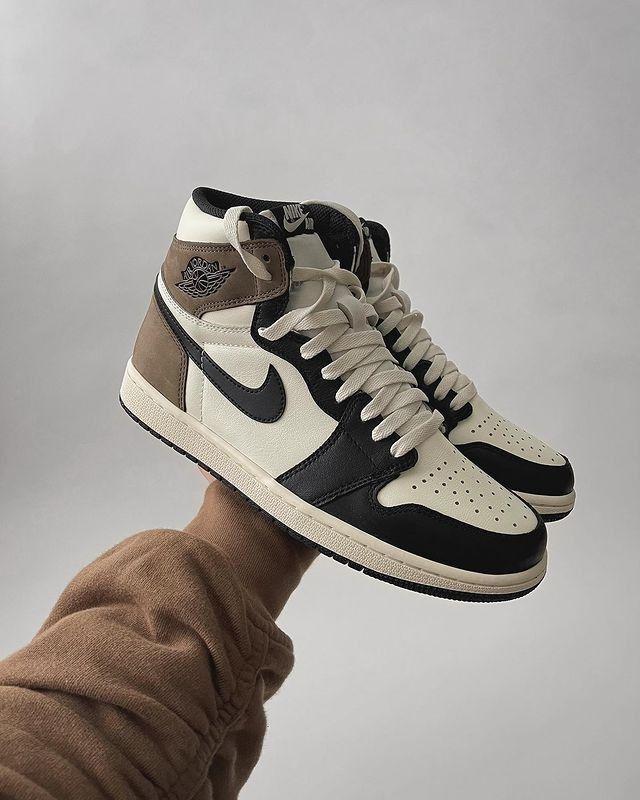 Your photo
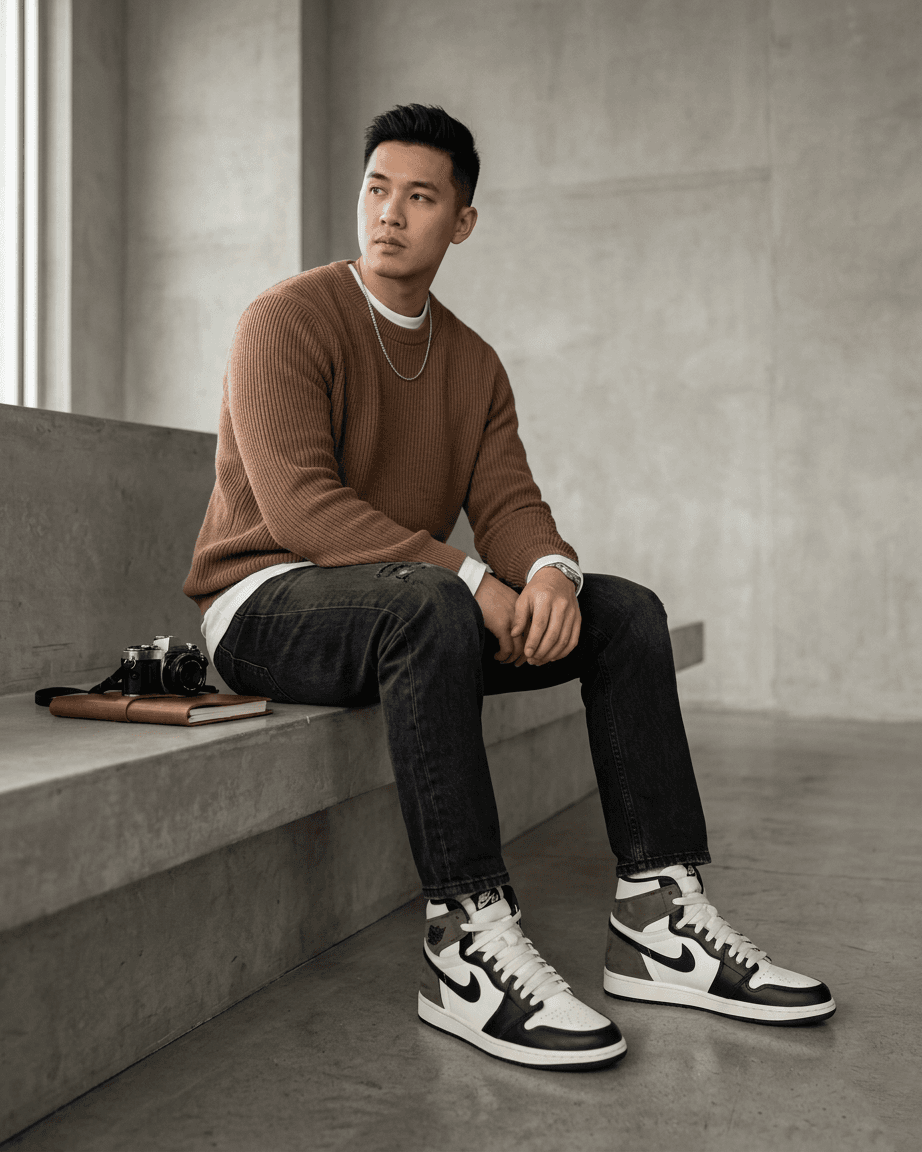 Studiofy
Why it works
Settings for each kind of shoe
Tell Studiofy whether it's a sneaker, heel, boot, loafer or sandal, and the styling follows.
On feet or in a scene
Show the pair worn with a full outfit, or as a lifestyle product shot on steps, stone or wood.
Video from the same photo
Turn any result into a short product video for Reels, TikTok or your product page.
Settings you can choose
| Shoe type | Sneakers, heels, boots, loafers or sandals |
| Look | Sport, casual, formal or outdoor |
| Style | Studio, lifestyle, luxury, outdoor or minimal |
Or skip the settings and describe the scene in your own words.
Questions, answered
Do logos on the shoes stay the same?
Studiofy tells the AI to keep the colour, shape and logos exactly as photographed. Check small text before you publish.
Do I need a photo of both shoes?
A photo of the pair works best. One shoe also works, but the result will be built around what's in the photo.
Which shoes work?
Sneakers, heels, boots, loafers and sandals each have their own setting. Other footwear works too.
Try it on your product
10 free credits when you sign up. No card needed.
Try Studiofy free