
Ghost mannequin and hanger shots on a real-looking model
Already shoot on a ghost mannequin, a mannequin or a hanger? Upload that photo and Studiofy puts the garment on a model in a real setting.
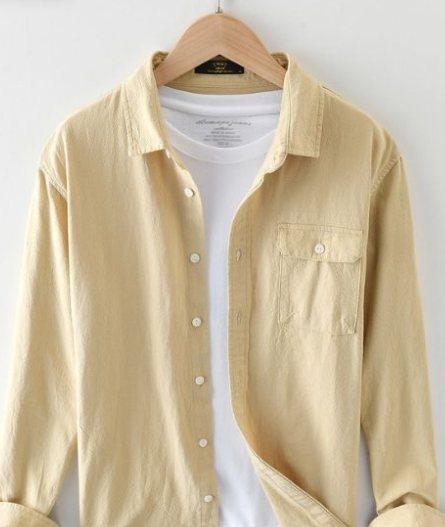 Your photo
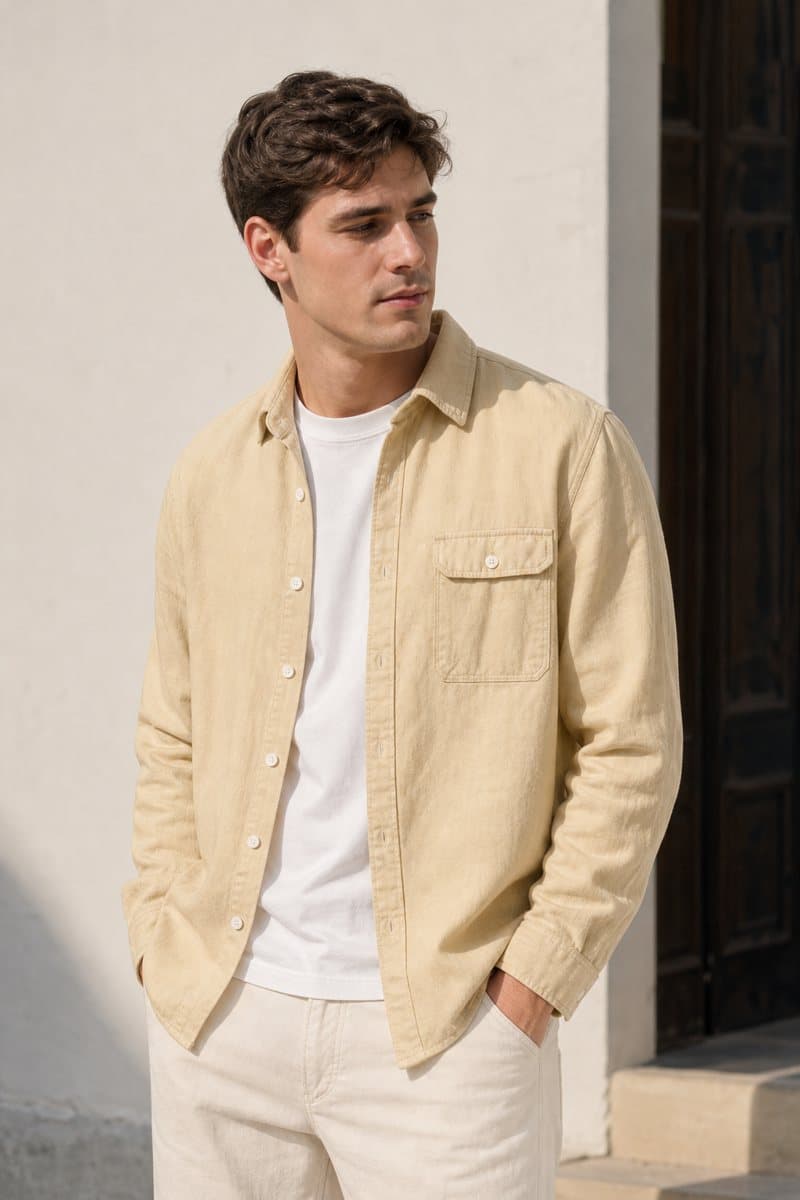 Studiofy
Why it works
Keep your current workflow
Your existing catalogue photos become the input. No reshoot needed.
Clean input, clean output
Mannequin and ghost mannequin photos show the garment's shape clearly, which gives the AI an easy start.
Ads and socials from catalogue shots
Turn plain catalogue images into lifestyle photos for Instagram, TikTok and ads, and into short product videos.
Settings you can choose
| Model age | Toddler, young child, teenager, young adult, adult or senior |
| Model | Female, male, unisex, or no model (product only) |
| Skin tone | Fair, medium, olive or dark |
| Garment side | Front or back |
| Style | Studio, lifestyle, luxury, outdoor or minimal |
Or skip the settings and describe the scene in your own words.
Questions, answered
What is a ghost mannequin photo?
A garment photographed on a mannequin that is then edited out, so the clothing keeps its 3D shape with nobody wearing it.
Do I need a ghost mannequin to use Studiofy?
No. A hanger photo, a flat lay or a mannequin photo all work.
Will the garment look the same?
Studiofy tells the AI to keep the colour, print, shape and logo exactly as photographed. Check fine details before you publish.
Try it on your product
10 free credits when you sign up. No card needed.
Try Studiofy free