
Jewellery photos on a model, from one product shot
Upload one photo of a ring, necklace, earrings or a bracelet. Studiofy shows it worn by a model or styled in a product scene.
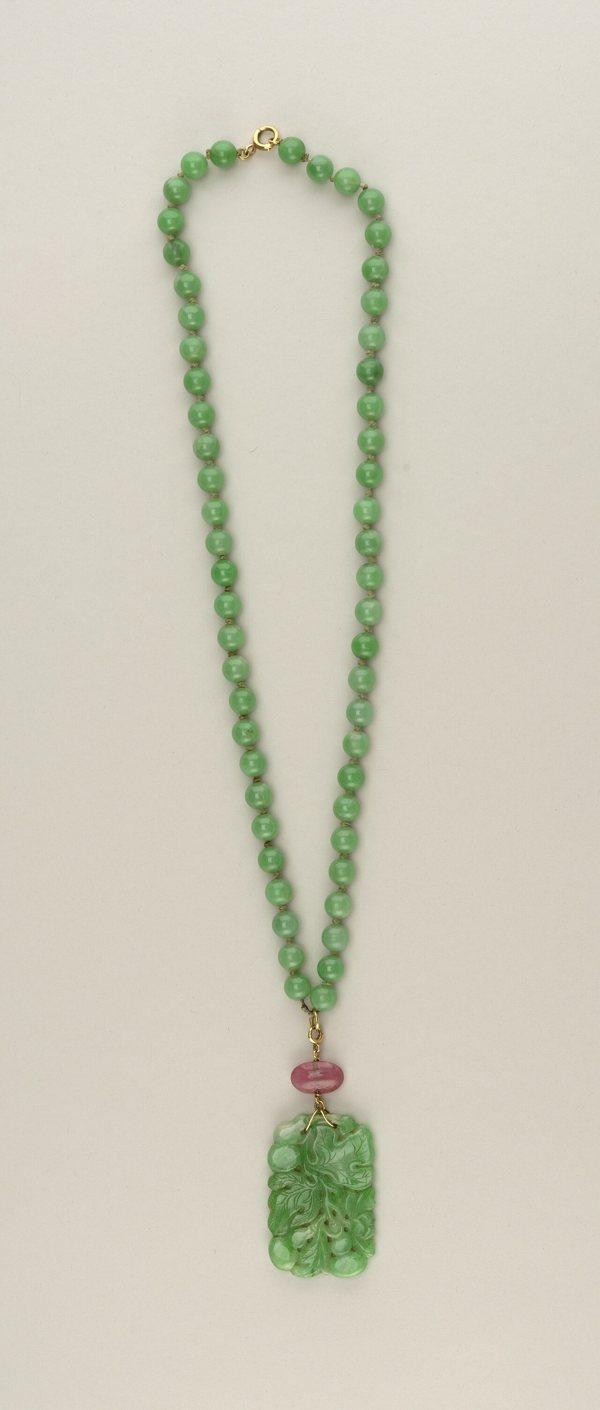 Your photo
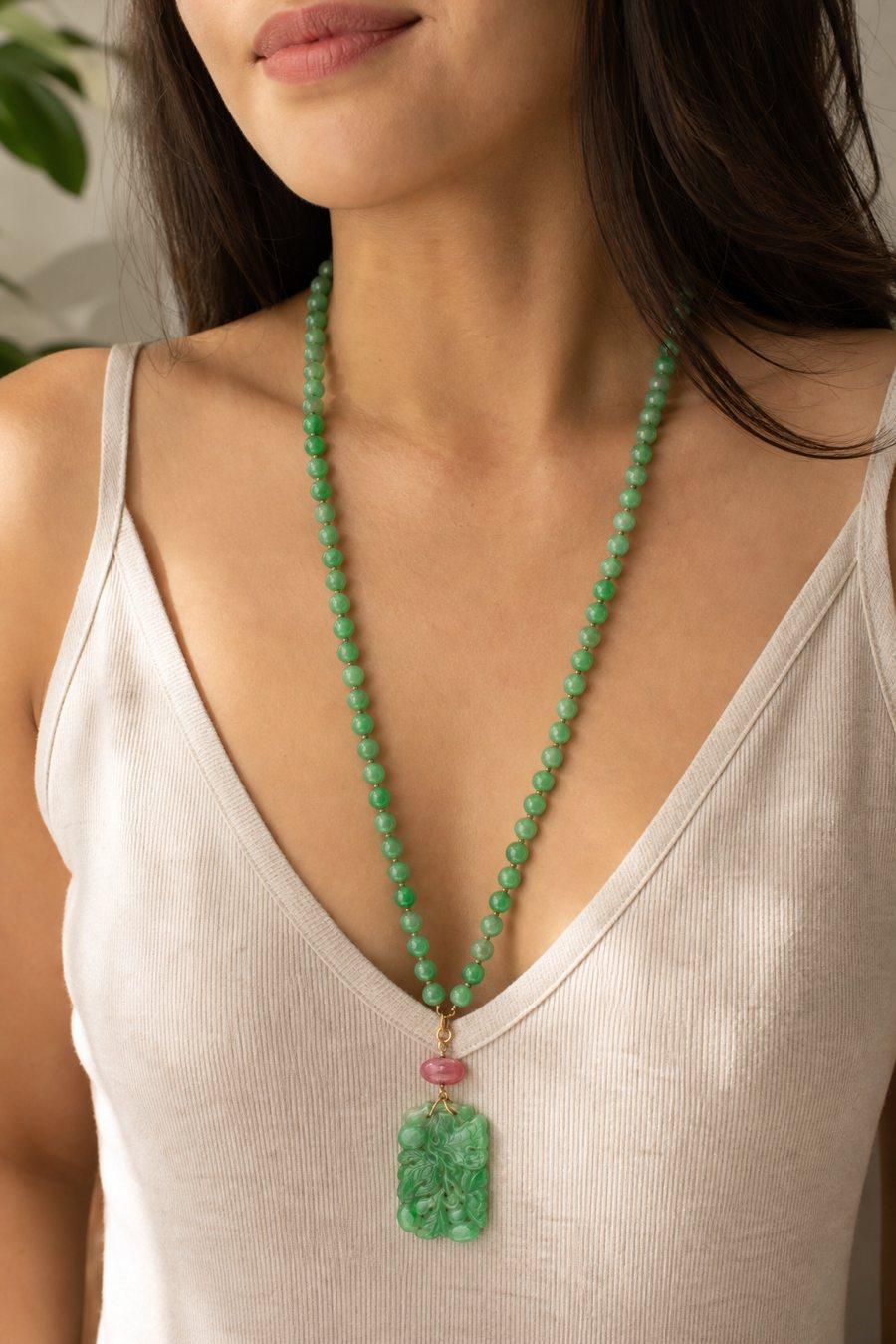 Studiofy
Why it works
Show scale on a real person
Buyers want to see how big a pendant or ring looks when worn. A model answers that in one image.
Product-only scenes too
Choose no model to get a styled studio, luxury or minimal product shot instead.
Match your customers
Pick the model's age, gender and skin tone so the photo looks like the people who buy from you.
Settings you can choose
| Model age | 18-25, 26-35, 36-45, 46-60 or 60+ |
| Model | Female, male, non-binary, or no model (product only) |
| Skin tone | Fair, medium, tan or dark |
| Style | Studio, lifestyle, luxury, outdoor or minimal |
Or skip the settings and describe the scene in your own words.
Questions, answered
How should I photograph jewellery for Studiofy?
Use a plain background, soft even light and a sharp close-up of the piece. Avoid strong reflections.
Do fine chains and stones stay accurate?
Studiofy tells the AI to keep the shape and details as photographed, but very fine chains and small stones can drift. Zoom in and check before you publish.
Can I get product-only photos?
Yes. Choose no model for studio, luxury or minimal product scenes.
Try it on your product
10 free credits when you sign up. No card needed.
Try Studiofy free